Description
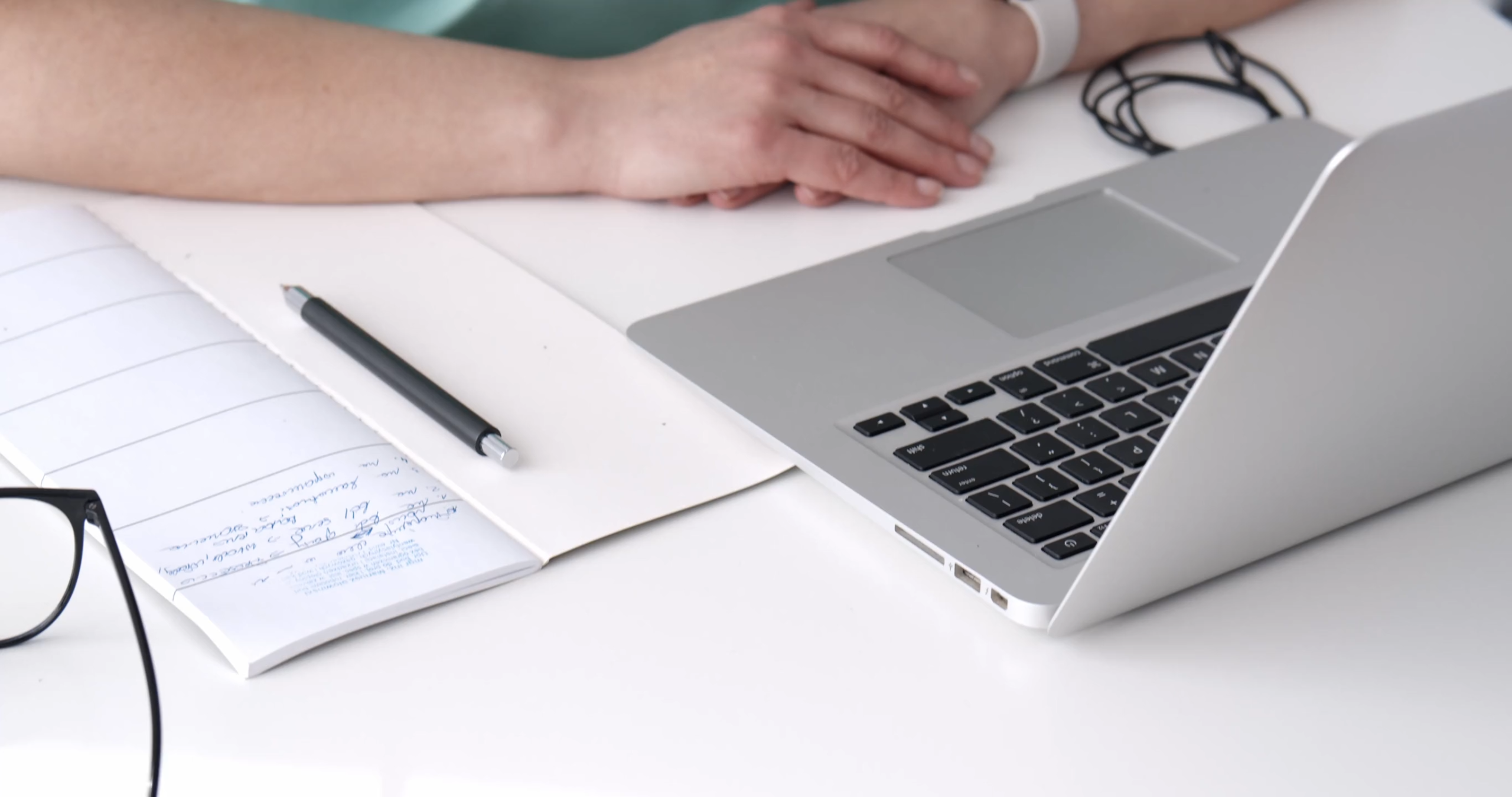
In this video, viewers are given an intimate look into the world of virtual meetings, a hallmark of contemporary work culture. The scene opens with a close-up of a sleek laptop sitting on a tidy desk, showcasing a well-organized workspace that includes essentials like a notebook, a pen, and a coffee mug. The laptop screen is filled with participants’ faces in a video call, each appearing in their window. The lighting is soft yet adequate, ensuring that each participant is visible, reflecting the importance of visual engagement in remote interactions. As the meeting begins, the main speaker? A charismatic individual dressed in business casual? Takes the floor. They share insights and updates, using a mix of verbal and non-verbal cues to engage their audience. The energy is palpable, with smiles and nods of agreement from other participants, highlighting the collaborative spirit of the meeting.
Each participant’s background varies greatly, showcasing their unique personalities and environments. From colorful home offices adorned with art to minimalist setups, each frame provides a glimpse into the individual lives of the participants, enriching the virtual connection. As discussions unfold, the camera captures candid moments. Laughter, expressions of surprise, and thoughtful nods? Illustrating the human elements that often transcend the digital medium. Throughout the meeting, occasional audio cues, like notifications or overlapping conversations, remind viewers of the informal nature of remote work, where distractions are common yet manageable. At one point, the speaker shares their screen, displaying a visually engaging presentation filled with charts, graphs, and images that support their points. This enhances the meeting’s effectiveness and demonstrates the power of visual aids in conveying complex information. As the discussion deepens, viewers can observe the participants actively engaging with the content, asking questions, and providing feedback, illustrating a dynamic exchange of ideas. The video encapsulates the essence of modern communication, where technology facilitates collaboration and connection, even when individuals are physically apart. It reflects the adaptability of teams who navigate the challenges of remote work, utilizing digital tools to maintain productivity and foster relationships. In a world increasingly reliant on technology, this virtual meeting serves as a reminder of the importance of human connection and effective communication, showcasing how digital platforms can bring people together, create shared experiences, and promote collaborative problem-solving, regardless of geographical barriers.


Ugochukwu –
“Virtual Meeting on Laptop” has been a game-changer for us. Its user-friendly interface and stable connectivity have enabled seamless virtual meetings with colleagues and clients from anywhere, anytime. The video quality is crystal clear, and the audio is crystal clear, allowing for effective communication and presentations. We can easily share screens, collaborate on documents, and record meetings for future reference. This tool has significantly improved our productivity and efficiency, enabling us to conduct more productive and effective virtual meetings.”
Valentine –
“Virtual Meeting on Laptop” is an indispensable tool for remote communication. It provides a seamless experience, allowing me to connect with colleagues and clients from anywhere with ease. The video quality is exceptional, ensuring clear and lifelike interactions. The user interface is intuitive, making it effortless to navigate and participate in meetings. I highly recommend this video for anyone looking to enhance their virtual meeting capabilities.”
Isah –
“This video on virtual meetings on laptops was incredibly informative and helpful. The clear instructions and practical tips made it easy to understand how to set up and participate effectively in virtual meetings. I particularly appreciated the emphasis on building a professional presence and creating a productive environment. By implementing the suggestions in this video, I’ve significantly improved my virtual meeting experiences, allowing me to communicate more effectively and contribute more meaningfully.”
Lauwali –
“Virtual Meeting on Laptop” was a lifesaver for our remote team! The platform is incredibly user-friendly, allowing us to seamlessly connect from anywhere. The video and audio quality were exceptional, creating an immersive and collaborative environment. The virtual whiteboard feature was particularly helpful, enabling us to brainstorm and share ideas in a highly interactive way. Overall, this platform transformed our virtual meetings, making them more productive, engaging, and enjoyable.”